


Curved Tile Nipper - Seabell Mosaic Tools
Tile nippers Curved - Seabell Mosaic Tools
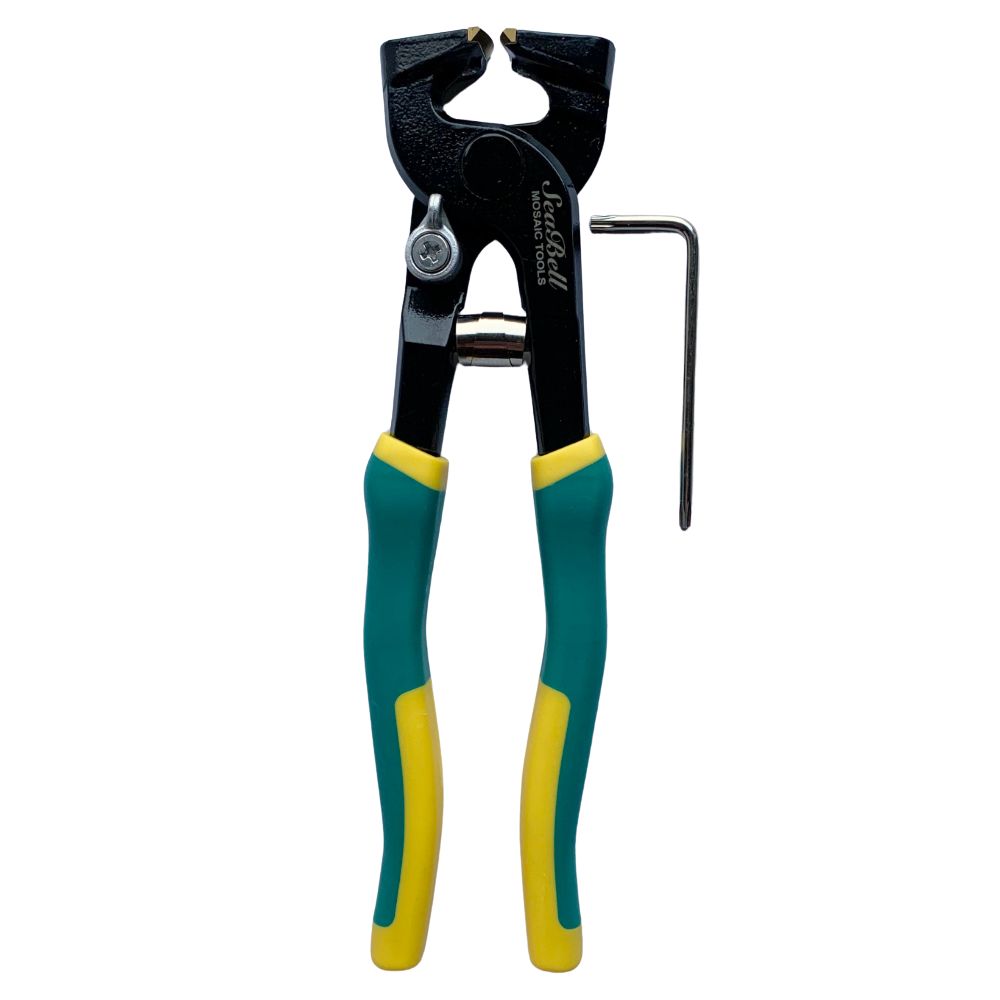
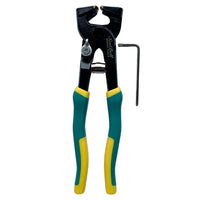
Shape ceramic mosaic tiles easily with the MaxPro tile nippers from Seabell Mosaic Tools! Their powerful carbide cutting jaw also lets you work thicker tiles precisely. Ideal for rounded corners, flowing lines and detailed mosaic designs.
Powerful and accurate cutting
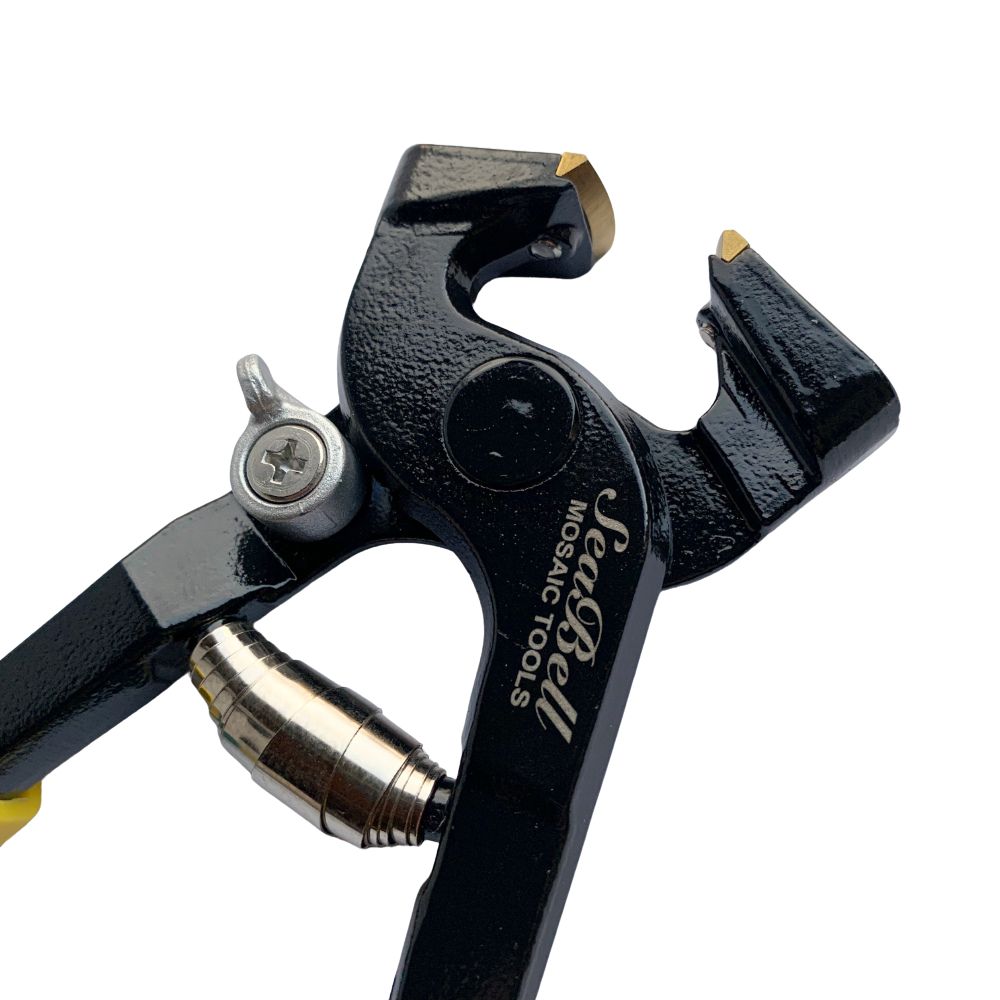
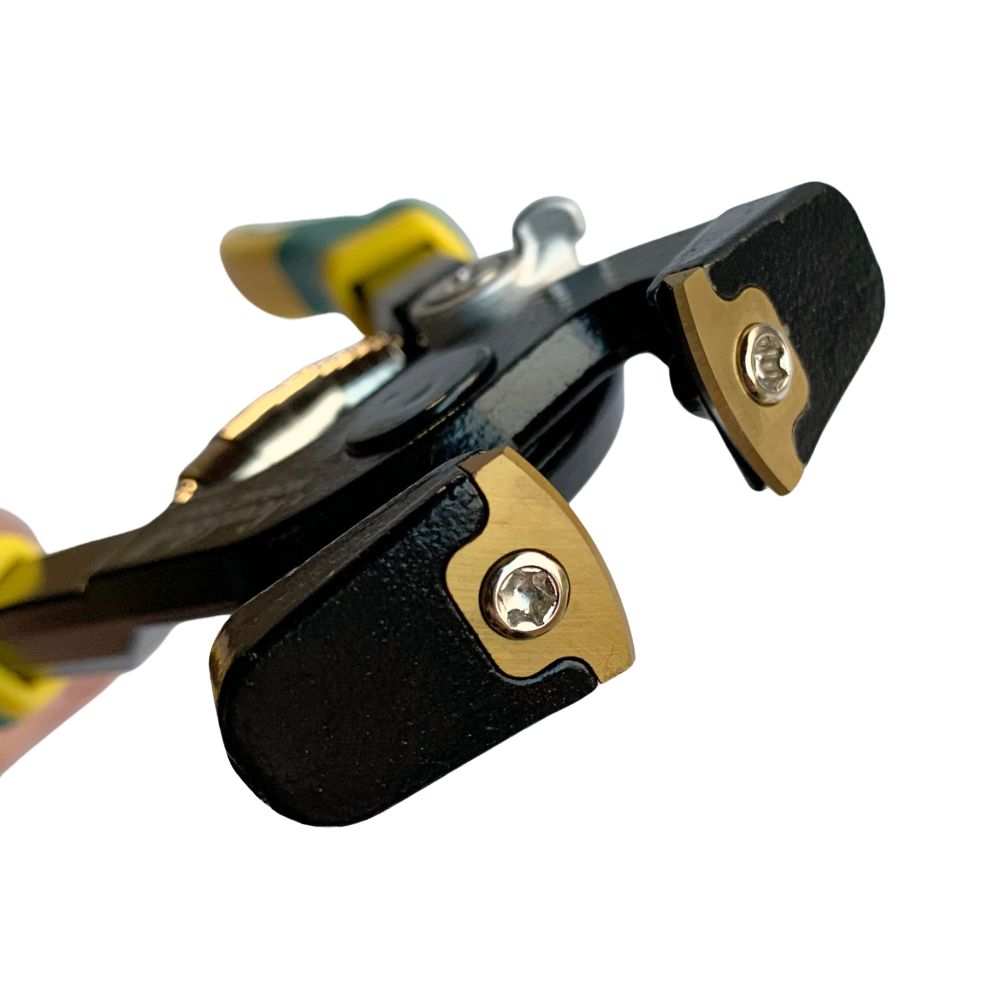
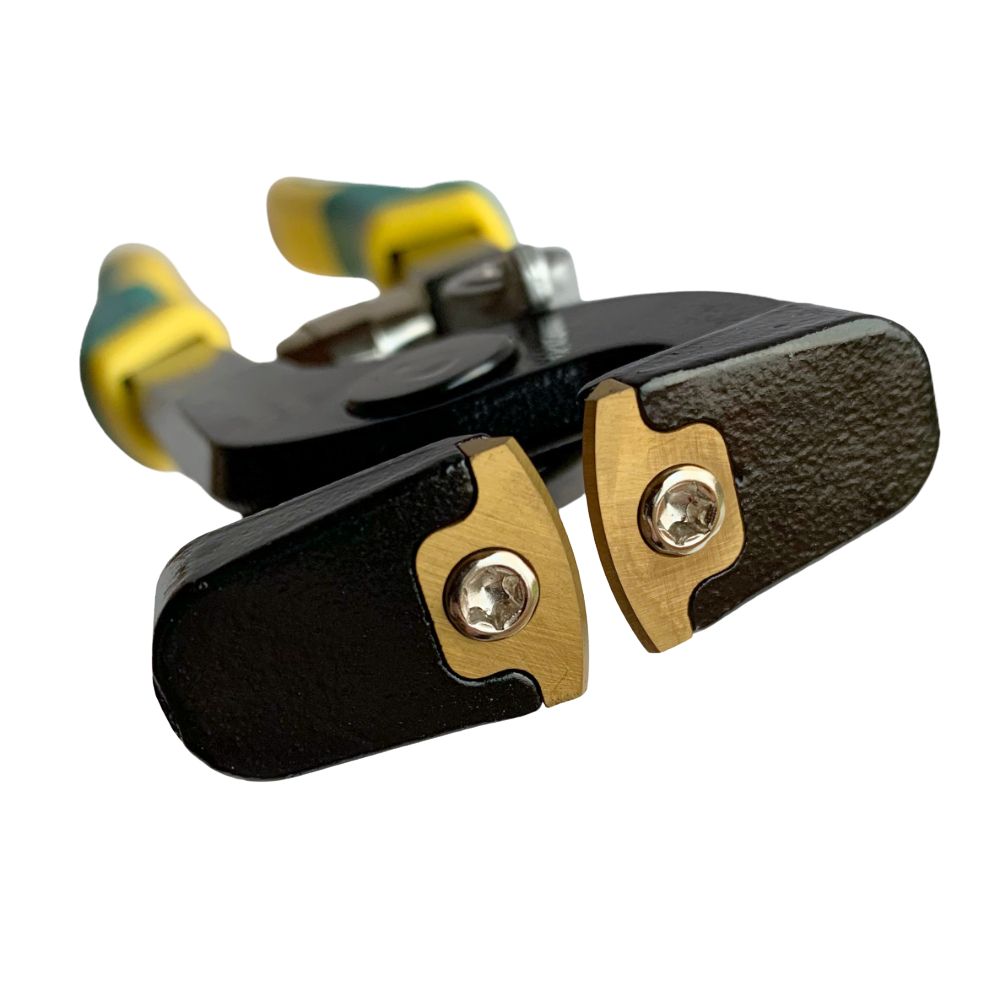
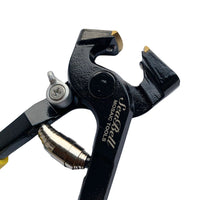
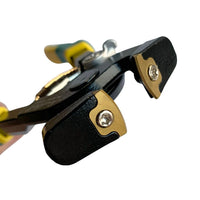
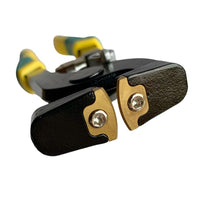
The special curved cutting jaw makes it possible to nibble ceramic piece by piece. This allows you to maintain control over the shape and make harder cuts.
The lightweight housing of cast aluminium is rust resistant and the comfortable plastic handles ensure a sturdy grip while working.
Characteristics
-
Brand: Seabell Mosaic Tools
-
Model: MaxPro
-
Type: Curved tile nippers
-
Cutting jaw: Wear-resistant hard metal
-
Suitable tile thickness: 9-13 mm
-
Housing: Stainless cast aluminium
-
Handles: Comfortable plastic
-
Application: Cut and shape ceramic mosaic tiles
Note: Not suitable for cutting glass.
Tip: Cut small pieces each time to gradually build up the desired shape. Always wear safety glasses while working.
Instruction video: Watch how you use the Seabell tile nippers.
YOUR NEW PROJECT
WHAT ELSE DO YOU NEED?


Často kladené otázky
There are several ways you can pay safely online at Mosaicshop. You can choose the following options when you go to pay for your order at check out:
- Visa
- Mastercard
- PayPal
- Bancontact / Mister Cash
- Maestro
- KBC Online / CBC Online
- Belfius
- iDeal
- Giropay
- Sofort Bankig
- Klarna
- Bank Transfer
- Apple Pay
- Google Pay
- American Express
- Union Pay
- Shop Pay
- EPS
Once your order has been placed with MosaicShop, we will immediately send an order confirmation to your email. Should you not find our email in your inbox, don't forget to check your spam or junk folder.
MosaicShop proactively keeps you informed about the progress of your order. Email updates will inform you of each stage, from preparation to when your mosaic supplies have been dispatched.
Be sure to double-check the e-mail address provided: Make sure you have entered the correct e-mail address while placing your order. Also check that there are no typing errors.
Contact our customer service if you still have not received an order confirmation after completing the above steps, please contact our customer service. Please provide your order details, including the date and time of the order, so that we can help you further.


